
Indiana SAVIN Covers Wabash Custody
Indiana calls its VINE program SAVIN. It is free and runs around the clock, by phone and online, with custody information for offenders in all 92 counties. Wabash is included. The sheriff's official links page posts the VINE connection. A posted link signals intended participation, so run a person-level search before promising that any name appears.
SAVIN reports custody and sends change notices. It is not a charge sheet or a court outcome. Nor is it a historical booking archive. Once charges are filed, MyCase and the Wabash County Clerk hold the public court material. The sheriff's county public-safety links screen documents Wabash County's official VINE route.
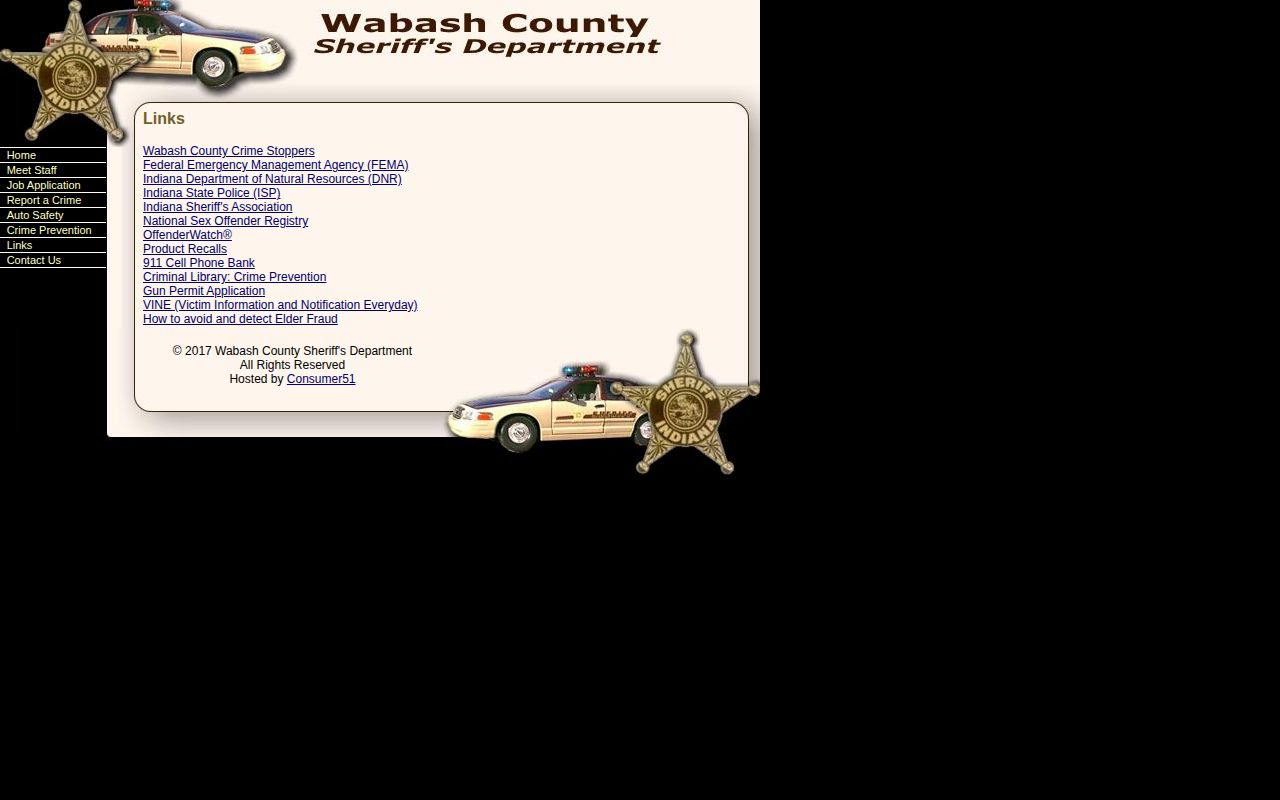
The image confirms the agency referral without displaying personal custody results.
Check a Wabash Arrest on VINE
Start at the live Indiana screen. Bring the person's full legal name plus any other identifying details the form asks for.
- Open the Indiana VINELink state page.
- Select the available person or custody search mode.
- Enter the name or identification details requested by the interface.
- Compare spelling and all available identifiers when several people match.
- Open the likely record and read the custody status and facility before registering for notices.
- Call the Wabash custodian if the result is unclear or the arrest is very recent.
The current Indiana search screen is shown in the official capture below.

This tool does one focused lookup at a time. It is not built for browsing galleries, and a same-name match should never be accepted as the right person without comparing the details shown.
What a Wabash VINE Result Means
Fields vary by record and interface. Read each item as custody information rather than a complete arrest record.
| Result item | Meaning and limit |
|---|---|
| Name and identifier | Tools for matching; compare all available details. |
| Custody status | The reported qualifying custody state, subject to processing lag. |
| Facility | Where the system reports the person held or assigned. |
| Release or transfer | A status change that may support notification. |
| Notification option | A way to register contact details when offered. |
| Charge or case data | Not a final disposition; confirm court facts through MyCase and the Clerk. |
A quick release can remove a person from view. Release can happen fast. Someone transferred after sentencing lands in the Indiana Department of Correction system instead. A saved private booking page can linger online after either change, and it never overrides VINE or a call to the jail.
Register for Wabash Custody Alerts
Registration starts from a matching record, using the interface's “Get Notified” control or something similar. Available channels vary by record.
- Confirm the record belongs to the intended person.
- Choose the notification option on that record.
- Select an offered phone, email, or text channel.
- Enter the requested contact information.
- For phone registration, create or retain the PIN and complete any confirmation prompt.
- Save the registration details and keep the official jail contact available.
Indiana describes confidential notices for placement, release, transfer, and other custody changes. Alerts are a supplement. Never rely on one channel when safety is at stake. Call 911 for immediate danger.
Current and Legacy SAVIN Numbers
Indiana's current FAQ lists 1-866-891-0330 for statewide phone access. Older county and VINE materials show 1-866-959-8463. The two come from different eras. Treat the older number as legacy, not current. Confirm against the live interface and current FAQ before relying on phone registration. The sheriff's legacy VINE entry still routes through vinelink.
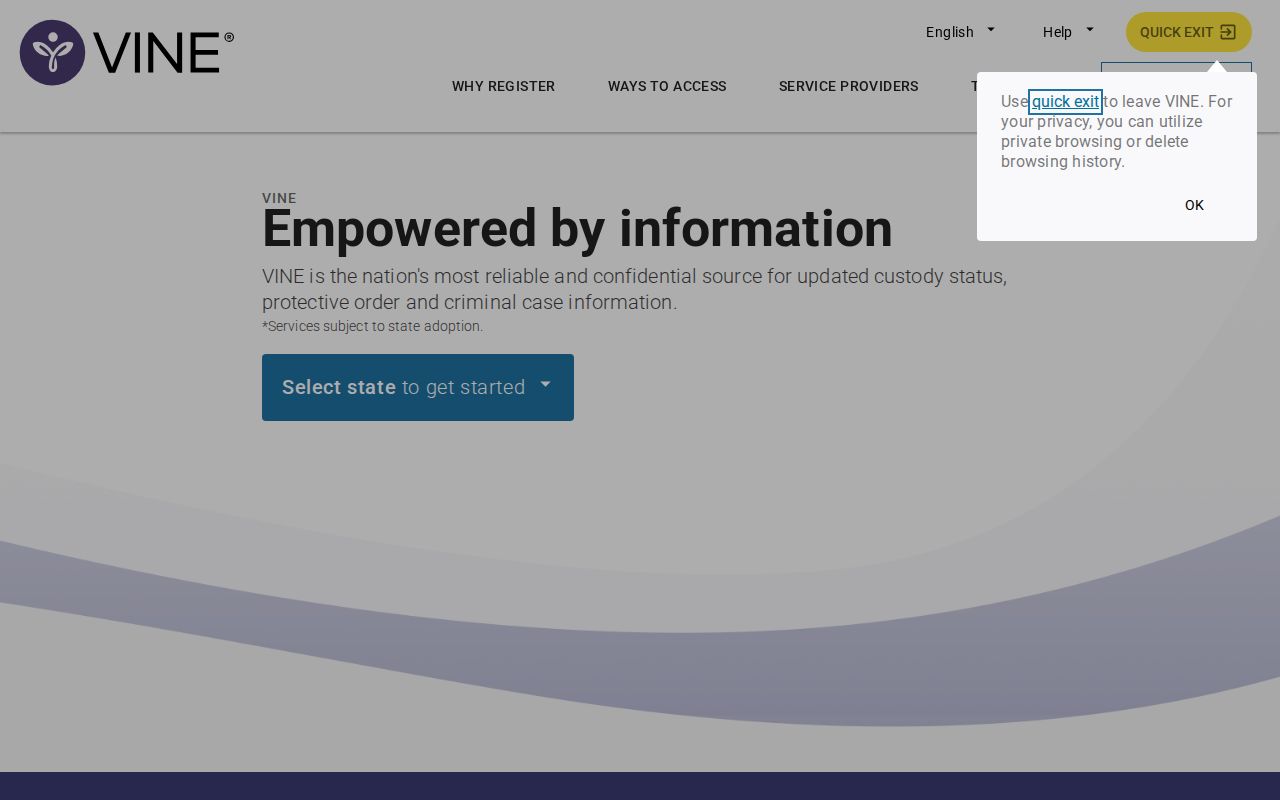
That legacy screen explains why old bookmarks look different today.
Wabash VINE Limits and Verification
SAVIN does not promise every photo. It may miss older bookings, and a fresh intake rarely appears instantly. A blank result has many causes. A spelling mismatch or an unprocessed record can hide a person. So can release, transfer, or an interface limit. The county publishes no official same-day feed or public roster to settle that question online.
The Arrested Today guide covers same-day fallbacks. The sheriff lists (260) 563-8891. Its address is 1301 Manchester Avenue. County documents put Wabash County Jail at 79 West Main Street, a different site. Ask which office can confirm custody or provide the booking record.
State and Federal Custody Split
SAVIN covers Indiana custody systems only. A person sentenced to state prison also belongs in the Indiana Department of Correction offender locator. That system is not a Wabash booking feed. Federal custody is separate. The Federal Bureau of Prisons and ICE each run their own locators, and VINE's silence does not rule them out.
Release from county custody does not erase the arrest or decide the case. The agency may keep an intake record, while MyCase and the Clerk hold court material. Confidential, juvenile, sealed, and expunged matters can be restricted. Keep custody, booking, and disposition questions separate.
Search Public Records
Sponsored Results
When Wabash VINE Shows No Match
Before assuming absence, repeat the search with verified spelling and any identifier you have. Small details matter. A middle name, hyphen, suffix, or intake spelling can change what returns. Compare facility and identifying details when several records appear. Age or a photo alone never justifies picking a same-name result.
Timing causes misses too. Wabash County publishes no official same-day booking feed, and a fresh intake may not reach SAVIN right away. Release can come first. So can a transfer or exclusion from public display. Call the sheriff or jail with the full name and the approximate arrest time. Ask whether the person is in county custody and which office holds the booking record.
A blank result proves nothing either way. It does not rule out an arrest, and it does not confirm release. SAVIN is one status channel, not the whole record. After filing, use MyCase for public case information and ask the Clerk about the official court file. For state prison, search IDOC. Use federal tools only for federal or immigration custody.
Manage Wabash Custody Notifications
Registration only works when it points to the right person and the right custody record. Double-check both before relying on alerts. A phone PIN lets the system confirm that a message reached you. It also keeps the registration secure. Delivery choices differ by record. Email and text options depend on what the interface supports. Whenever your contact details change, go back to the service. Update the registration or start a new one.
Alerts cover custody events such as placement, release, or transfer. Not every change triggers one, though. Coverage varies record to record. The message tells you something happened, not why. A release might stem from bond, a court order, or completed custody. A transfer can mean a move to a different jail or into state custody. The reasons live in official records, not in the notification itself.
Safety planning should never rest on a single automated message. Data can lag, and delivery can fail. Keep the Wabash agency number handy, and hold onto the current SAVIN phone details. Call emergency services the moment danger feels close. VINE earns its keep by tracking a named record in Wabash County custody. But when timing truly matters, talk to a person and confirm.